
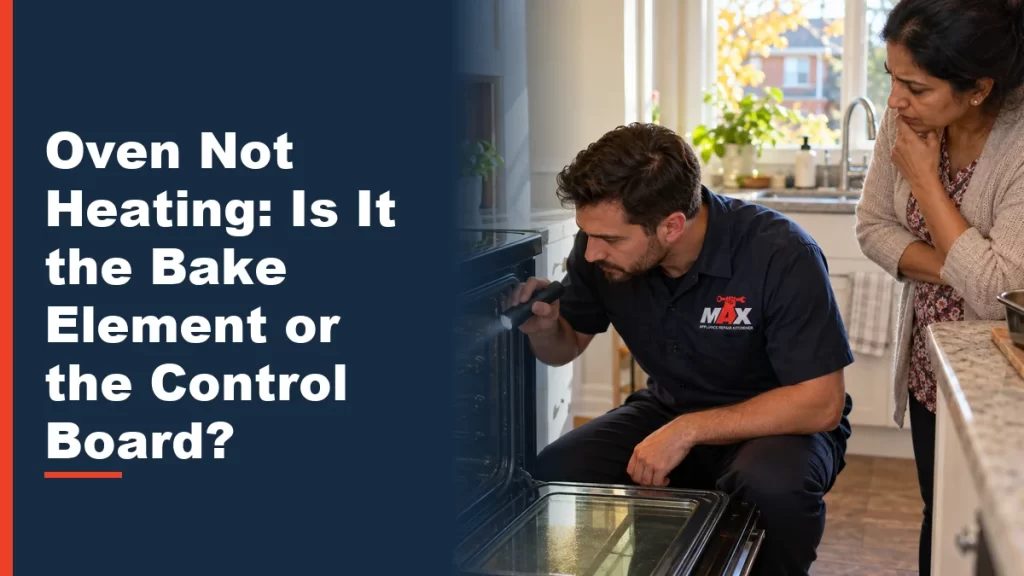
It’s Sunday afternoon, the roast is seasoned, and the oven says it’s preheating. Twenty minutes later, the inside is still cool to the touch. When an oven is not heating, the bake element is the part most people blame first, and sometimes they’re right. But just as often, the element is perfectly fine, and the cause is a control lock setting, a tripped 240V breaker leg, or a fried control board relay that never sends power to the element.
This post focuses strictly on electric ovens and electric ranges. We walk through the cheap, tool-free checks first, then explain how a failed bake element actually shows itself, and finally, how an oven appliance technician tells an element fault from a control board fault. You’ll know exactly which troubleshooting jobs are yours and which aren’t before you pick up the phone.
Stop here if you see this
If you see sparks, scorch marks, melted wire coating, or a burning electrical smell, do not open any panels. Unplug the range or switch off its breaker immediately and call a technician. If you ever smell gas in your home, leave the house and call Enbridge Gas from outside.
Start with easy checks
Most service calls about an oven not heating, bake element worries included, start with an accidental setting or a tripped switch, not a broken part. These checks take a few minutes and need no tools. Do them in this exact order, because each step rules out something the next one can’t.
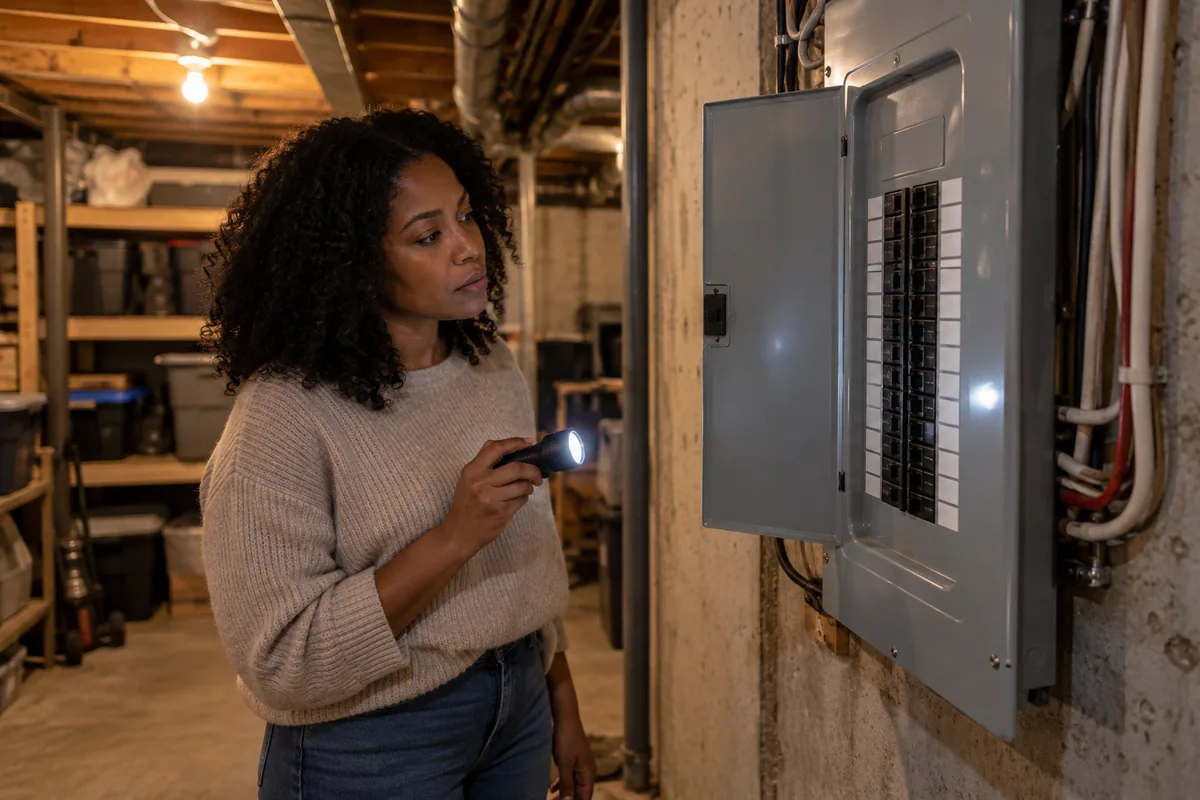
- The dual-pole breaker: Electric ranges run on a 240V circuit, which uses a double breaker switch. Sometimes only one half of the breaker trips. The oven display and lights (which run on 120V) will still work, but the bake element (which requires the full 240V) will not heat. Switch the breaker fully off, then firmly back on.
- The control lock: Many modern ovens have a child lock that disables the heating elements. Look for a padlock symbol or a “LOC” message on the display. Hold the lock button for 3 seconds to release it.
- Demo mode: Some electronic controls have a retail showroom mode that runs the display timer normally but disconnects the elements. Your owner’s manual explains the button combination to exit this mode.
- A delayed start: If someone accidentally hit “Delay Bake” while wiping down the keypad, the oven is waiting for a timer. Press Cancel and try a standard bake cycle again.
- The time of day: After a brief power cut, the clock may flash “12:00”. Many digital ovens will block all heating cycles until you set the clock.
It’s easy to overlook the display panel. If a delayed-start icon was set by a child playing with the buttons in a house in Victoria Park, the oven isn’t broken—it’s waiting. The screen will usually tell you exactly what the oven is waiting for.
Quick take
If the oven has power, isn’t locked, and isn’t waiting on a timer, the fault is physically inside the oven. That’s where the bake element, the temperature sensor, and the control board come in.
Oven not heating: Bake element signs
The bake element is the thick black heating coil that warms the oven for ordinary baking. On many traditional ovens, it lies exposed along the floor of the cavity. On newer hidden-bake models, it sits below a removable floor panel. The broil element sits at the top of the ceiling. They are on separate circuits, which gives you a highly useful diagnostic clue.
A bake element that has failed usually shows physical damage. Wait until the oven is completely cool, switch off the breaker, and inspect the coil with a flashlight. You’re looking for these signs:
- A blister or bubble on the metal sheath of the coil.
- A visible break or a gap where the coil has physically snapped.
- White burn marks or pitting near the back wall where the element connects to the terminals.
- An element that never glows red when set to bake, while the top broiler element glows normally when set to broil.
That last point matters heavily. If the top broil element glows bright red but the bottom bake element stays dark, you know the oven is receiving 240V power and the control board is capable of engaging a relay. The suspect list immediately shrinks, and a burned-out bake element moves to the top of the list.
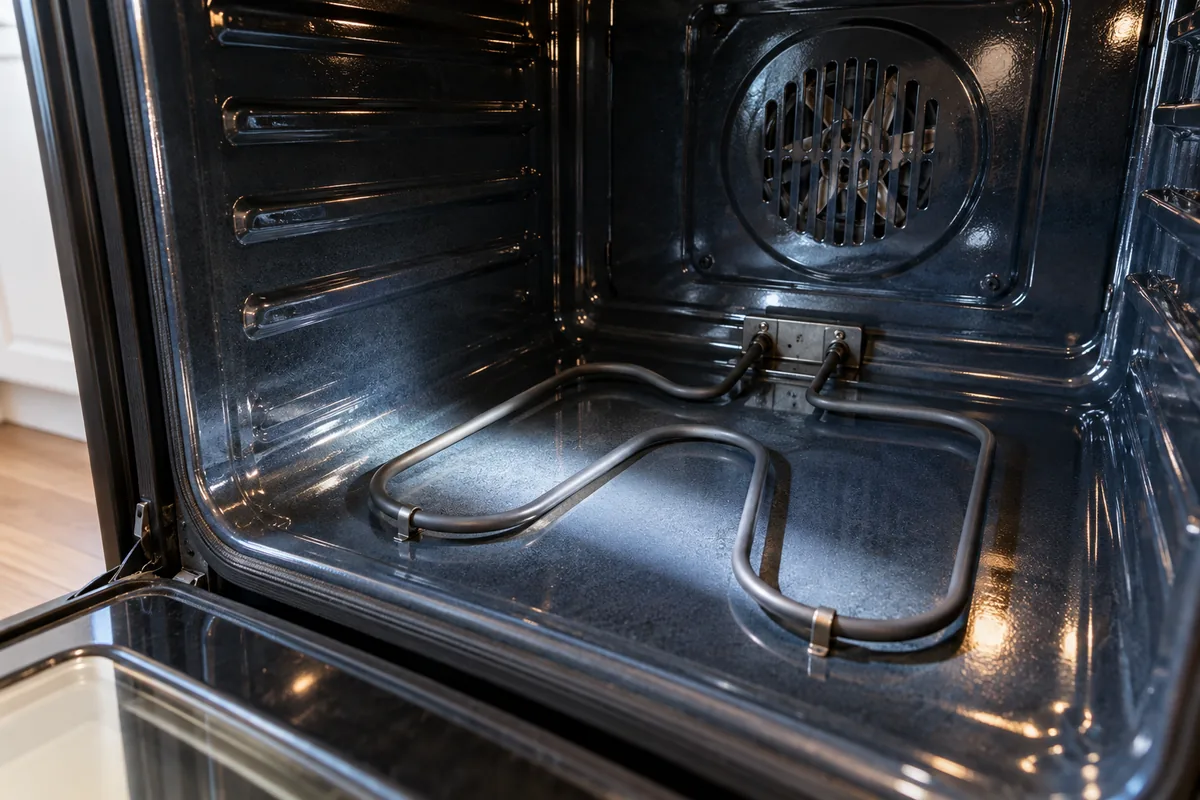
Do not pull the element out from the back wall to inspect it yourself. It is hard-wired to the oven through spade terminals, and a bent or loose high-voltage connection is a severe fire risk. What you can see visually from the front is enough information to pass to a repair technician.
Whirlpool’s electric range troubleshooting page opens with this exact list of non-mechanical checks: a recent power outage, a control lock, demo mode, a delayed start, and a tripped breaker. Always consult the manual for your specific brand, as the button sequences to unlock controls differ wildly between LG, Samsung, and GE.
This short manufacturer video on oven heating issues, from LG’s support channel, demonstrates what homeowners should check before booking service.
Bake element or control board?
The control board (the electronic brain behind the keypad) decides exactly when power goes to each element. The element only heats when a relay on that board clicks closed. So, a cold oven can be caused by the part that produces the heat (the element) or the part that gives the order to heat (the board).
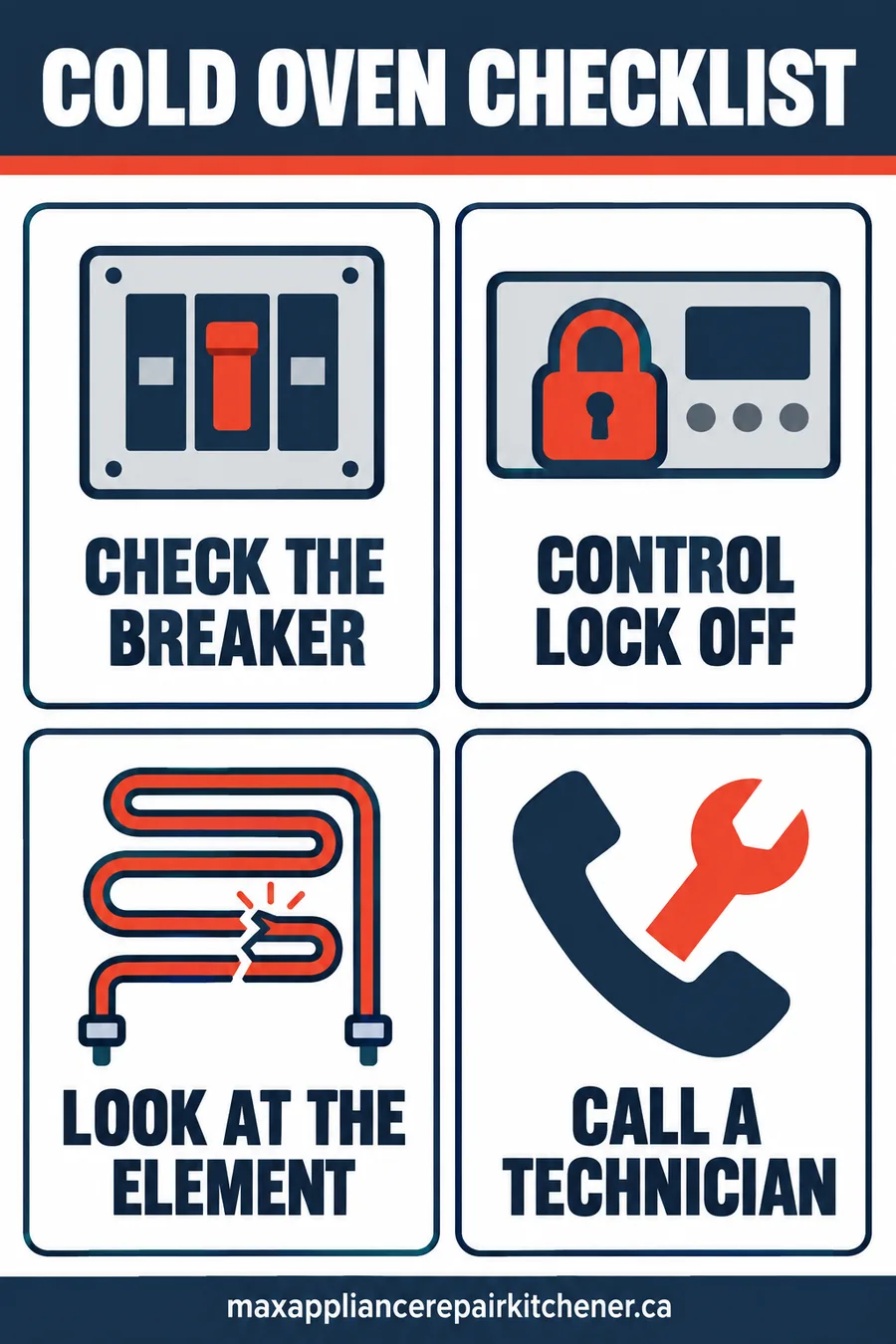
- Element looks damaged, broil works: This points strongly to a burned-out bake element, though a technician must still confirm it with a multimeter before parts are ordered.
- Element looks perfectly fine, neither bake nor broil heats: The cause likely sits in a fried control board relay, melted terminal wiring, a blown thermal fuse, or a failed temperature sensor.
- Display is blank, flickering, or showing an error code: Write the alphanumeric message down (e.g., F3 or E1). This code often narrows the fault directly to the board or sensor.
- Oven heats, but never reaches the target temperature: Think sensor failure first. Our guide to uneven oven temperature causes covers that specific symptom in depth.
None of this replaces a multimeter test. A technician measures whether 240V reaches the element’s terminals and whether the element itself has proper electrical resistance. Swapping in a new bake element blind is a gamble—a bad control board will leave a brand new element sitting just as cold as the old one.
What stays with a technician
Electrical continuity testing, crimping high-heat terminals, and replacing sealed sensors are not homeowner jobs. Switching off the breaker lowers the danger, but it doesn’t make the back of a 240V appliance friendly. Leave these tasks to us:
- Using a multimeter to test element continuity and incoming voltage.
- Replacing a broken bake element, including securing the high-heat wiring terminals behind the back panel.
- Diagnosing a failing control board relay, temperature sensor (RTD), or thermal limit fuse.
- Replacing any scorched wire harnesses or melted ceramic wire nuts.
We repair electric ovens and ranges across Kitchener, Waterloo, Cambridge, and Guelph, arriving equipped with diagnostic tools and common OEM parts. Our oven technicians in Kitchener diagnose the root cause accurately so you aren’t paying for guesswork parts. Most parts carry a warranty of up to three months, and the service call is waived when you proceed with the repair.
Don’t do this
Don’t run the self-clean cycle to force the oven to heat. Don’t attempt to jump wires to bypass the control board, and don’t use the oven with the door open as a space heater. Every one of these actions stresses components that are already failing and can start a fire.
If you live in Waterloo and the oven is part of a larger kitchen appliance failure, our Waterloo appliance repair lists everything we handle in your area.
Good to know
This article provides general diagnostic information, not professional repair instructions. Ovens and ranges differ by brand, and parts and safety steps are unique to each manufacturer. Check your owner’s manual and confirm details with a qualified technician before acting. Max Appliance Repair Kitchener is not responsible for decisions made or injuries sustained on the basis of this article.
Download the free quick guide
A one-page printable checklist for a cold electric oven. Keep it on your phone for easy reference before calling a tech.
Frequently asked questions
Can I replace a bake element myself?
While the part itself is simple to unscrew, the risk sits entirely in the high-voltage wiring behind it. The element connects to 240V power through spade terminals. If these terminals are loose, corroded, or incorrectly crimped during installation, they will arc and start a fire. Unplugging the range lowers the danger of electrocution, but it doesn’t remove the fire risk of a bad connection. If you’re not comfortable properly stripping and terminating live-capable appliance wiring, book a technician.
Why does my oven light and display work if nothing heats?
The oven’s digital display, clock, and interior light run on standard 120V power (one leg of your breaker). The bake and broil elements require the full 240V (both legs). A working clock simply tells you the appliance is plugged in; it does not mean the control board relays, the 240V breaker leg, or the heating element are functioning.
Is it safe to keep using an oven that heats unevenly?
An oven that takes slightly longer to cook is annoying but not an immediate hazard. However, an element that sparks, glows bright white in isolated patches, smells like burning wire, or trips your breaker is dangerous. Stop using it instantly, switch off the breaker, and call a technician. A sparking element is actively shorting out and will eventually break in half.
Does the oven clock being wrong matter?
For standard baking, yes. Many electronic ovens will block all heating cycles and flash the time after a power outage as a safety precaution. Once you set the time, normal functions unlock. If you’ve set the time and the oven still stays cold, move on to the hardware checks. If the display throws an error code (like F3 or E0), write it down.
Your verdict before booking
Here is how to classify your oven fault before you pick up the phone:
- Tripped breaker, control lock, or delayed start: Reset the setting or breaker yourself and try again.
- Oven not heating + blistered/broken bake element: Switch off the breaker and book a technician to replace the element.
- No heat from bake OR broil + error code on display: Book a technician for a control board or sensor diagnostic. Provide the error code.
- Sparks, smoke, or a burning electrical smell: Stop immediately, switch off the breaker at the panel, and call for emergency repair.
Going through this checklist allows you to hand over a clear, accurate description of the failure, ensuring the technician arrives with the right parts to finish the job faster.
Cold oven ruining dinner plans?
Call us at (519) 783-0985 or send a message about your oven not heating, the state of the bake element, and any error codes on the display. We’ll tell you plainly what we think it is before we visit.